 5 min read
Why every small business still needs a website
Web DesignSmall Business
Social media is great, but you do not own it. Here is why a website you control is still the most important marketing asset your business has.
Blog
You could have the best-looking website in your industry — but if it takes six seconds to load, most visitors never see it. They are gone before the hero image finishes rendering.
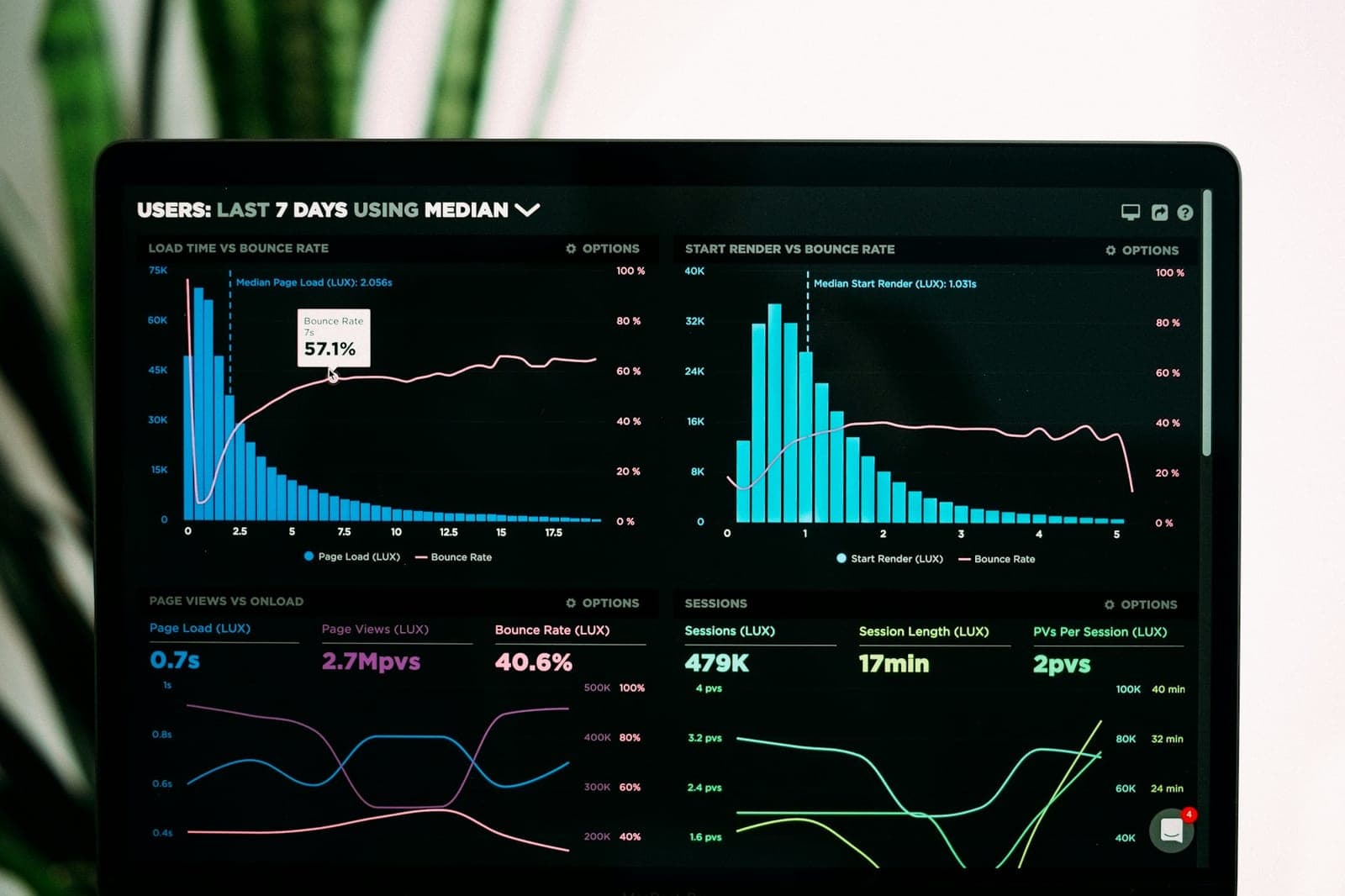
That's the uncomfortable truth about Core Web Vitals — a set of measurements Google uses to judge how a website actually feels to use. Not how it looks in a mock-up, but how it performs in a real visitor's hands, on a real phone, on real mobile data. In 2026, these numbers aren't a technical nice-to-have. They're a baseline requirement for showing up in search results at all, and a direct factor in whether someone becomes a customer or bounces straight back to Google.
"Core Web Vitals" sounds like jargon, so let's translate it properly. It's three separate measurements, each covering a different way a slow or clunky site frustrates people:
Loading speed (Largest Contentful Paint, or LCP). This measures how long it takes for the main content on a page — usually a hero image or headline — to actually appear. Google wants this under 2.5 seconds. Anything slower, and visitors are already reaching for the back button.
Responsiveness (Interaction to Next Paint, or INP). This measures the lag between someone tapping a button or link and the page actually responding. A site that "looks" loaded but ignores taps for a second or two feels broken, even if it isn't.
Visual stability (Cumulative Layout Shift, or CLS). This measures how much content jumps around as a page loads. You've felt this: you go to tap a button, and an image loads above it, pushing everything down so you tap the wrong thing instead. That's a CLS problem, and it's one of the most common reasons people abandon a site in frustration.
Together, these three numbers are Google's attempt to quantify something that used to be pure gut feeling: does this website feel good to use, or does it feel like hard work?
Core Web Vitals have been part of Google's ranking system for a few years now, but two things have changed recently that make them harder to ignore.
First, mobile searches now make up the overwhelming majority of local search traffic, and Google evaluates the mobile version of your site first when deciding how to rank it — not the desktop version. If your site was built with desktop in mind and mobile bolted on afterwards, that's where the cracks show.
Second, attention spans for slow sites have essentially disappeared. People are used to instant results from apps and AI tools, and they carry that expectation everywhere. A few extra seconds of load time doesn't just cost you a ranking position — it costs you the visitor entirely, often before they've seen a single word of what you offer.
For a small business, this compounds quietly. You don't get a warning that someone left. You just see fewer enquiries than you'd expect from the traffic you're getting, with no obvious explanation — because the explanation is happening in the three seconds before anyone reaches your contact form.
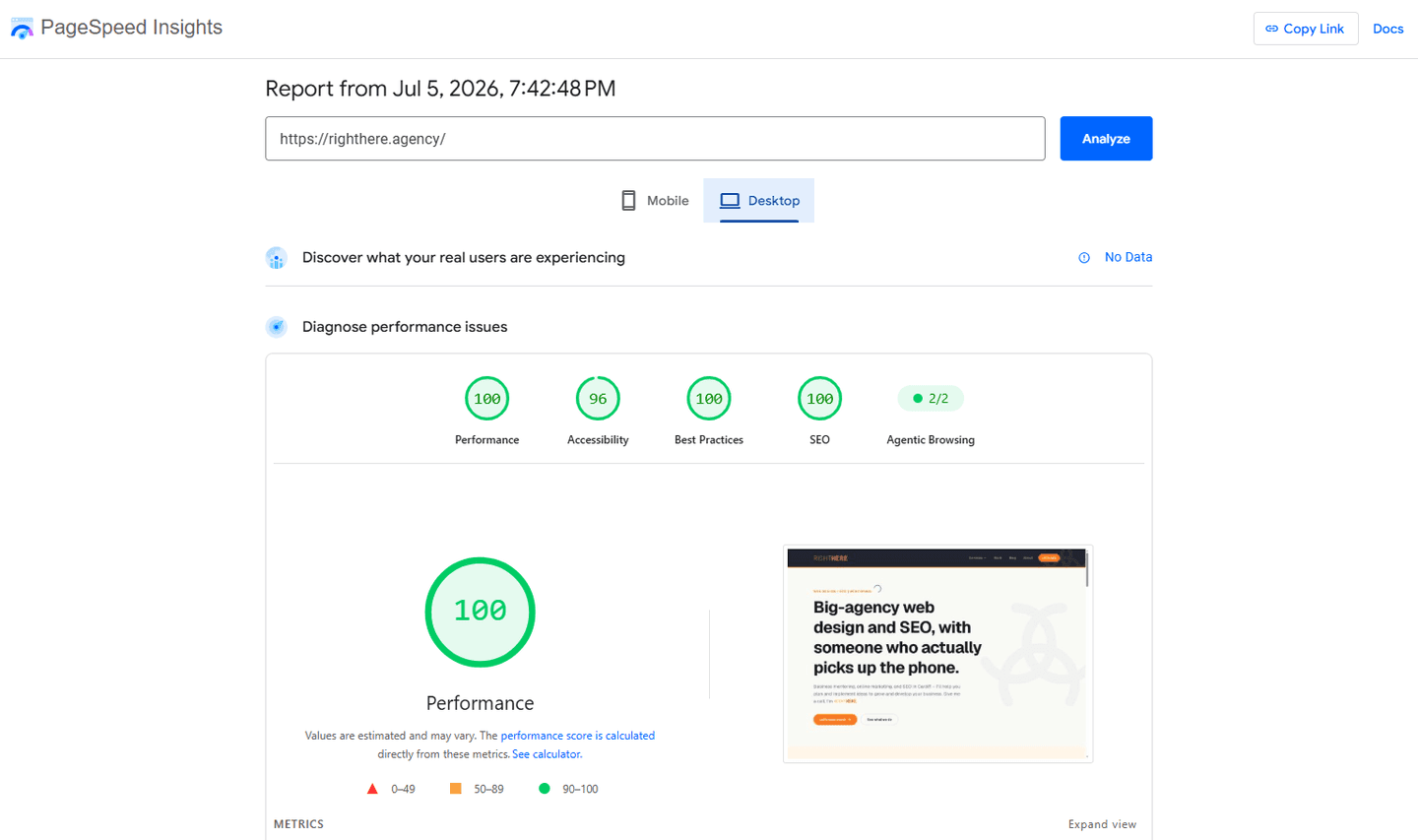
Before fixing anything, find out where the problem actually is. Two free tools do this well:
Run your homepage and your two or three most important pages (contact, services, booking) through both. You're looking for red or amber scores — anything green is already doing its job.
You don't need a full rebuild to move the needle. Most Core Web Vitals problems come down to a handful of fixable habits:
Oversized images. This is the single biggest cause of slow loading, by far. A photo straight off a phone or camera can be five to ten times larger than it needs to be for web use. Compressing images, and serving the right size for the device viewing them, is often the fastest win available.
Too much happening at once. Autoplaying videos, embedded social feeds, and chat widgets that all load the moment someone lands on your page are common CLS and speed culprits. Delaying non-essential scripts until after the main content loads keeps the page feeling instant without losing the features.
Reserving space for dynamic content. If an image, ad, or embedded element is going to load in later, give it a fixed size in the layout from the start. That one habit alone eliminates most of the "everything jumps around" problem.
Choosing hosting and themes built for speed. If you're on a heavily templated platform with dozens of unused plugins or features running in the background, no amount of image compression will fully fix things. Sometimes the honest answer is that the foundation needs attention, not just the content sitting on top of it.
It's tempting to treat Core Web Vitals as a technical checkbox for developers to worry about. But the real cost isn't a lower position on a search results page — it's the customer who searched for exactly what you offer, landed on your site, and left before they saw it.
A fast, stable, responsive website isn't a luxury feature anymore. It's the digital equivalent of a shop door that opens smoothly instead of sticking. Get it right, and every bit of marketing you do afterwards — SEO, ads, social, word of mouth — works harder, because the people it sends your way actually stay long enough to see what you do.
If you're not sure where your site stands, that's a good place to start. A quick audit will usually tell you within minutes whether your website is helping your business grow, or quietly turning customers away before they've even arrived.
5 min readSocial media is great, but you do not own it. Here is why a website you control is still the most important marketing asset your business has.
Fancy a chat about your own website?
Get in touch